Introduction
Trading gold without calculating your position size
first is one of the fastest ways to blow a trading
account. Our free gold position size calculator solves
this problem in seconds — helping you determine the
exact lot size for your XAUUSD trades based on your
account balance and risk tolerance.
Below, we’ll walk you through exactly how this gold
position size calculator works, and why it’s an
essential tool for every gold trader, from complete
beginners to experienced professionals.
Why You Need a Gold Position Size Calculator
Gold (XAUUSD) is one of the most volatile instruments
in the financial markets. A single Federal Reserve
announcement or major economic report can move gold
prices by 50-100 pips within minutes. Without a proper
gold position size calculator, traders often
unknowingly risk far more than they intend — leading
to unnecessarily large losses.
A gold position size calculator removes this guesswork
entirely. Instead of manually calculating pip values
and risk percentages (a process that takes several
minutes and is prone to errors), this tool gives you
precise, instant results every time.
Disclaimer:
This tool is for educational purposes only
and does not constitute financial advice. Trading gold
involves substantial risk of loss.
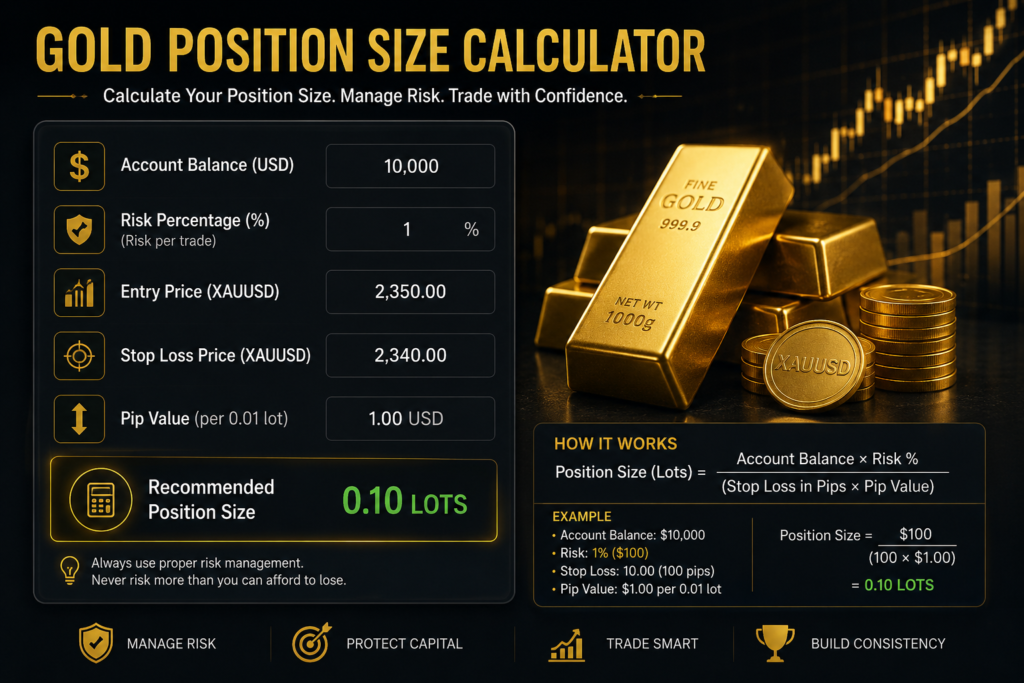
🥇 Gold (XAUUSD) Pip & Position Size Calculator
Calculate pip value and ideal lot size for gold trading
📊 Your Results
⚠️ For educational purposes only. Not financial advice. Always verify with your broker's exact contract specifications.
How to Use This Calculator
Using this Gold Position Size Calculator is simple —
just follow these 4 steps to get your exact lot size
before entering any XAUUSD trade.
Step 1: Enter Your Account Balance
Type in the total balance currently in your trading
account (in USD). This is the foundation of the entire
calculation — the calculator uses this number to
determine how much money you can safely risk.
Example: If your account has $1,000, enter “1000”
Step 2: Set Your Risk Percentage
Enter how much of your account you’re willing to risk
on this single trade. Most professional traders
recommend risking only 1-2% per trade — this protects
your account from major losses even during a losing
streak.
Example: Entering “2” means you’re risking 2% of your
account balance on this trade.
Step 3: Enter Your Stop Loss (in Pips)
This is the distance, measured in pips, between your
planned entry price and your stop loss level. Your
stop loss is the price at which you’ll automatically
exit the trade if it moves against you.
Example: If you plan to enter at $4,050.00 and place
your stop loss at $4,045.00, that’s a 50-pip stop loss
Not sure how to find this? Look at your chart for the
nearest support or resistance level below (for buys)
or above (for sells) your entry point — that’s usually
where your stop loss should go.
Step 4: Select Your Lot Type
Choose the lot size type your broker offers:
→ Standard Lot = 100 oz of gold
→ Mini Lot = 10 oz of gold
→ Micro Lot = 1 oz of gold
Most brokers let you trade in any of these sizes, or
fractions of them. Check your trading platform (MT4/MT5)
to see which lot types are available to you.
Step 5: Click “Calculate”
Once all four fields are filled in, click the
“Calculate” button. The calculator will instantly show
you: